How to Choose the Best Dell Monitors for Your Needs?
Selecting the best Dell monitors can feel overwhelming. With a variety of models available, each with unique features, it is crucial to identify what fits your needs. Dell monitors cater to different users, from gamers to professionals. Consider what you need them for before diving into options.
Picture yourself using a monitor tailored for your tasks. There are monitors that excel in color precision for graphic design. Others are optimized for gaming, providing fast refresh rates. You might find a blend of features appealing, but balance is key. While many choices boast great specs, not all may suit your specific preferences.
Some users might overlook the importance of connectivity options. A monitor with limited ports can restrict your setup. Dell monitors often provide various connections, but you must ensure they align with your devices. Reflecting on your requirements will guide you in making an informed decision. Your perfect Dell monitor is out there; it just takes some time and careful consideration to find it.
Understanding Different Types of Dell Monitors Available in the Market
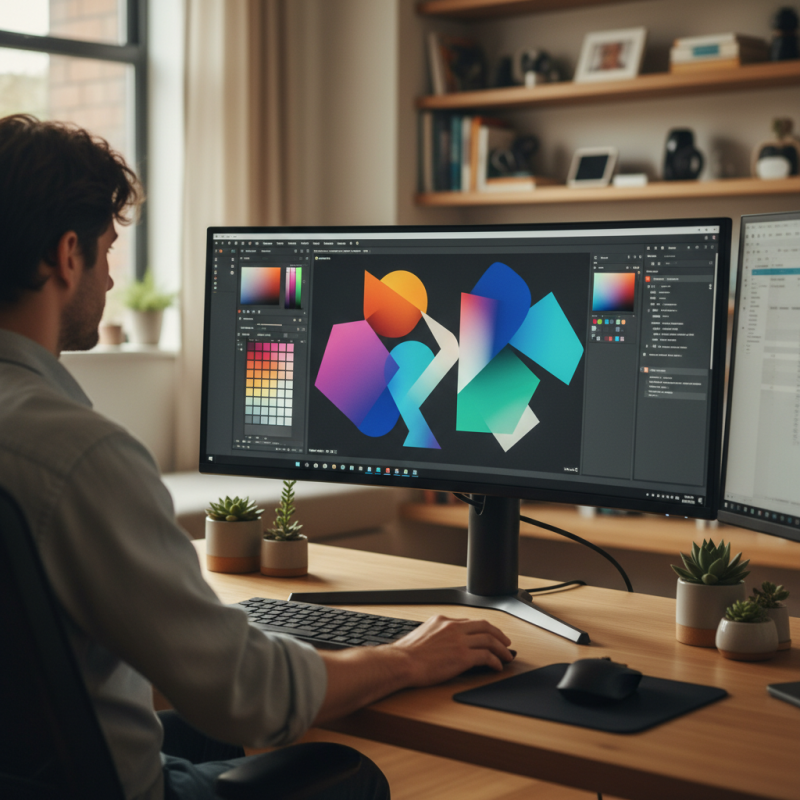
When selecting a monitor, understanding the variety of options is crucial. There are several types of monitors available, including IPS, TN, and VA panels. Each type offers different viewing angles, refresh rates, and color accuracy. For example, IPS panels are known for their wide viewing angles and vibrant colors, making them ideal for graphic design. In contrast, TN panels have faster response times, which can benefit gamers.
According to industry reports, IPS monitors account for 39% of the high-end display market. They provide a good balance of color reproduction and performance. However, they can be more expensive.
When choosing a model, consider what you will use it for. If you often work with images, an IPS monitor might be worth the investment.
Tips: Always check reviews before purchase. User feedback can reveal potential issues. Don't forget to look at the warranty. A longer warranty can indicate greater durability. Additionally, consider your desk space. Some monitors can be bulky, requiring careful planning for setup. Lastly, think about the connectivity options. Ensure your devices are compatible with your chosen monitor.
Identifying Your Primary Use Cases: Gaming, Work, or Multimedia
Choosing the right monitor can be challenging. There are different needs for gaming, work, and multimedia. Each use case demands specific features. For gaming, a high refresh rate and low response time are critical. Gamers often prefer monitors with a refresh rate of 144Hz or higher for smooth action. The need for quick reactions can determine the success of in-game performance.
For work-related tasks, clarity and eye comfort are key. Professionals may favor models with higher resolutions, such as 4K displays, to enhance detail in graphics and text. A recent industry report indicated that over 70% of office workers experience eye strain. Features like blue light reduction and anti-glare screens can significantly improve long-term comfort. However, some users may overlook these aspects, leading to fatigue.
Multimedia enthusiasts often seek vibrant colors and wide viewing angles. Look for monitors with high color accuracy, usually rated over 99% sRGB. A gamut like this brings visuals to life. But, despite these specifications, many users struggle to choose based on personal preference and main activities. Balancing performance with specific requirements can be a reflective process. Each individual's setting and needs differ, so selections may not always meet expectations.
How to Choose the Best Dell Monitors for Your Needs?
| Monitor Type |
Resolution |
Refresh Rate |
Ideal Use Case |
Key Features |
| Gaming Monitor |
1920 x 1080 |
144 Hz |
Gaming |
Low input lag, G-Sync compatible |
| Professional Monitor |
2560 x 1440 |
60 Hz |
Work/Productivity |
Color accuracy, adjustable stand |
| Multimedia Monitor |
3840 x 2160 |
60 Hz |
Multimedia |
4K resolution, wide color gamut |
| Ultra-Wide Monitor |
2560 x 1080 |
75 Hz |
Productivity/Multimedia |
Increased screen real estate, immersive experience |
| Portable Monitor |
1920 x 1080 |
60 Hz |
On-the-go Work |
Lightweight, USB-C powered |
Key Specifications to Consider: Resolution, Refresh Rate, and Size
When selecting the best monitors, key specifications often guide the decision-making process. Resolution is crucial. Higher resolutions provide better clarity and detail. According to a recent industry report, 4K monitors have become increasingly popular. These displays offer four times the resolution of Full HD. This can enhance your viewing experience significantly. However, higher resolutions generally demand more powerful hardware. Not every system can handle 4K output seamlessly.
Refresh rate is another essential factor. A higher refresh rate leads to smoother motion. Gaming monitors often feature 144Hz or even 240Hz refresh rates. Data shows that gamers notice a significant difference in performance with these specifications. However, many users may not require such high rates. For casual use, a 60Hz refresh rate might suffice, but it can lead to motion blur in fast-paced scenarios.
Screen size also plays a significant role. Larger screens create an immersive experience. Many people prefer 27-inch monitors for their balance between size and desk space. Yet, some find them overwhelming. It’s a personal choice influenced by usage and room size. Too large a monitor may create neck strain, while too small may hinder productivity. Finding the optimal size is essential for comfort and efficiency. Each specification requires careful consideration based on individual needs.
Evaluating Additional Features: Connectivity, Ergonomics, and Panel Type
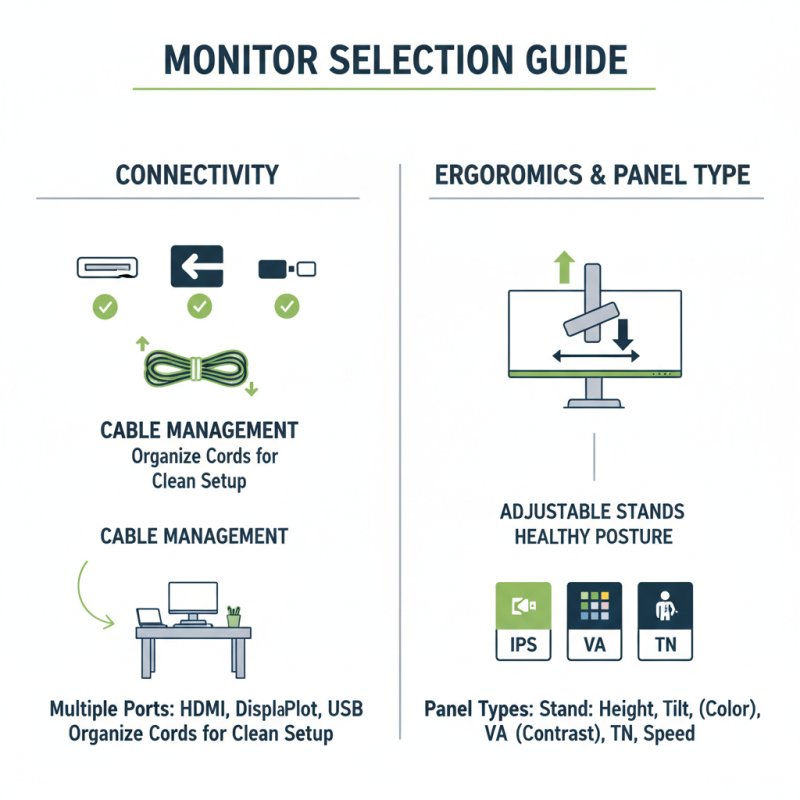
When selecting a monitor, connectivity options matter. Look for multiple ports like HDMI, DisplayPort, and USB. This flexibility allows you to connect various devices easily. Some users overlook cable management, which can lead to a cluttered workspace. Keep cords organized for a cleaner setup.
Ergonomics is crucial for prolonged use. Adjustable stands can help you find the right height. A tilted screen can reduce neck strain. Some monitors lack these features, leading to discomfort. Take time to check these adjustments before making a choice.
Panel type also influences your experience. VA panels usually have better contrast, while IPS offers wider viewing angles. If color accuracy is vital, IPS might be the right choice. Yet, be aware that these panels can be pricier. Determine what features you prioritize for your specific needs. Balancing cost with desired specifications can be tricky but worth the effort.
Reading User Reviews and Expert Recommendations for Informed Choices
When selecting a monitor, user reviews are invaluable. They provide real-world experiences that highlight strengths and weaknesses. A recent report indicated that 74% of consumers read reviews before making a purchase. Many users mention varying display quality, so look for comments about brightness and color accuracy. Also, check for feedback on the display's refresh rate, as this affects gaming and video performance.
Consider tips when reading user reviews. Focus on consistent themes mentioned across multiple reviews. If several users report discomfort during extended use, it may indicate poor ergonomic design. Pay attention to comments about the setup process. Complicated setups can lead to frustration.
Expert recommendations can also guide your choice. Look for detailed comparisons that include technical specifications. These reports often analyze color performance and response time. A professional guide revealed that monitors with lower response times of 5ms or less perform better for fast-paced activities. However, not all monitors meet these standards. Balancing reviews and expert advice will help to make an informed decision.